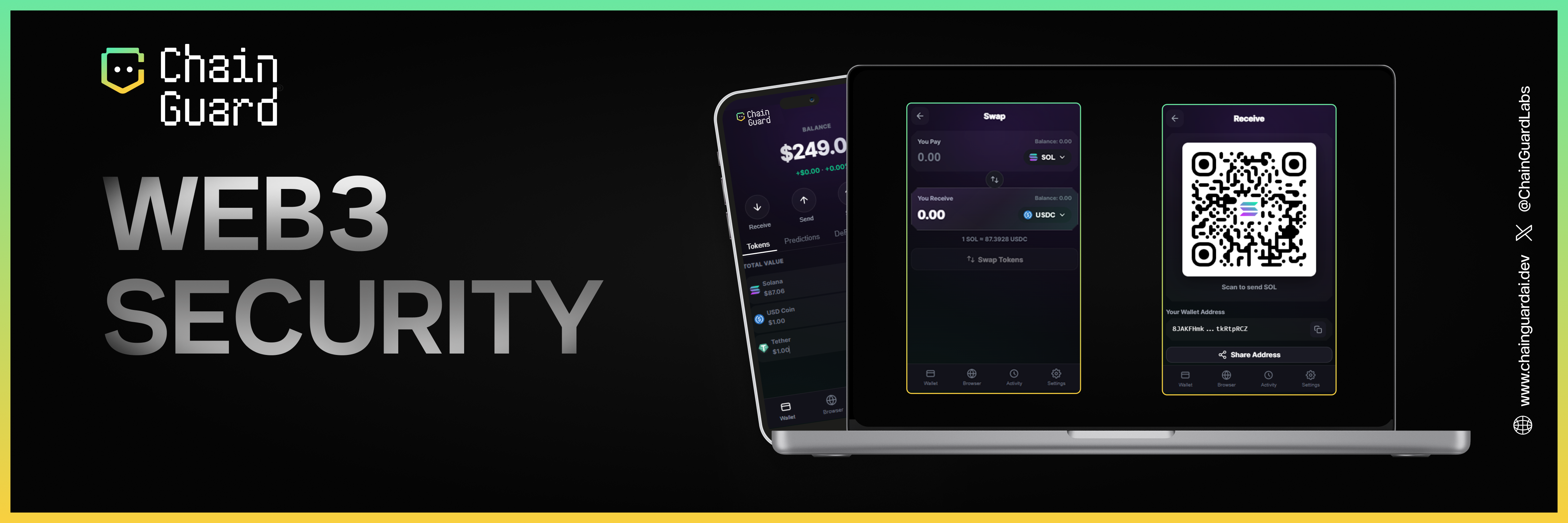
 Use this quick start to install ChainGuard, trigger your first scan, and understand the most important signals you will see in the extension.
Installation
Download Extension
Visit the Chrome Web Store and click Add to Chrome (also compatible with Brave, Opera, and Edge).# Direct link
https://chrome.google.com/webstore/detail/chainguard
Pin to Toolbar
Click the puzzle icon in your browser toolbar and pin ChainGuard for easy access.
Start Browsing
Navigate to any Web3 site. ChainGuard automatically activates and begins scanning.
First Scan
Once installed, ChainGuard initializes its WASM core and establishes a secure WebSocket connection.
// [Internal Log] Core Initialization
[INFO] Loading @chainguard/core-wasm v1.2.4... OK
[INFO] Initializing ThreatEngine...
       - PhishingModel: LOADED (14ms)
       - ContractAnalyzer: READY (22ms)
       - SimulationEnv: CONNECTED (ws://node-cluster-main:8080)
[READY] System active. Event loop started.
- DNS Resolution & Reputation: Checks IP against global blocklists.
- TLS Handshake Inspection: Verifies certificate chain and issuer trust.
- DOM Mutation Observer: Scans for injected web3 provider hooks.
- Heuristic Analysis: Evaluates entropy of page content for obfuscation.
You’ll see the ChainGuard icon change color based on threat level:
- 🟢 Green: Safe. Proceed normally.
- 🟡 Yellow: Caution. Review warnings before proceeding.
- 🔴 Red: Dangerous. The site is blocked. Do not proceed.
Click the ChainGuard icon to open the popup interface:
Analysis Module
View real-time security analysis of the current page:
{
  "url": "https://app.uniswap.org",
  "riskScore": 5,
  "status": "verified",
  "checks": {
    "phishing": "passed",
    "malware": "passed",
    "ssl": "valid",
    "domainAge": "2847 days"
  }
}
My Transactions Module
Monitor your recent transaction history with security annotations:
{
  "transactions": [
    {
      "hash": "0x7a8f...",
      "type": "swap",
      "riskScore": 12,
      "status": "completed",
      "timestamp": "2024-01-15T14:32:00Z"
    }
  ]
}
Tracker Module
Set up alerts for wallet addresses and contracts you want to monitor:
interface TrackerConfig {
  address: string;
  alertThreshold: number;  // Risk score threshold
  notifyOn: ('transaction' | 'approval' | 'transfer')[];
}
Configuration
Access settings by clicking the gear icon in the popup:
Advanced Configuration (cg-config.json)
For enterprise deployments or power users, you can import a JSON configuration:
{
  "policy": {
    "autoBlock": true,
    "riskThreshold": 75,
    "allowedChains": [1, 56, 137, 42161],
    "simulation": {
      "timeout": 5000,
      "traceLevel": "full"
    }
  },
  "privacy": {
    "telemetry": false,
    "localProcessingOnly": false
  },
  "integrations": {
    "customRpc": "https://eth-mainnet.alchemyapi.io/v2/...",
    "webhookSink": "https://internal-security.corp/events"
  }
}
ChainGuard never stores private keys or seed phrases. All analysis is performed on public blockchain data only.
Next Steps

